Zip Extractor — RAR, 7z & ZIP
The utility the iPhone is missing: open RAR, 7z and password-protected ZIP, extract, create and compress archives with AES encryption. Everything runs on-device, offline, with nothing uploaded.
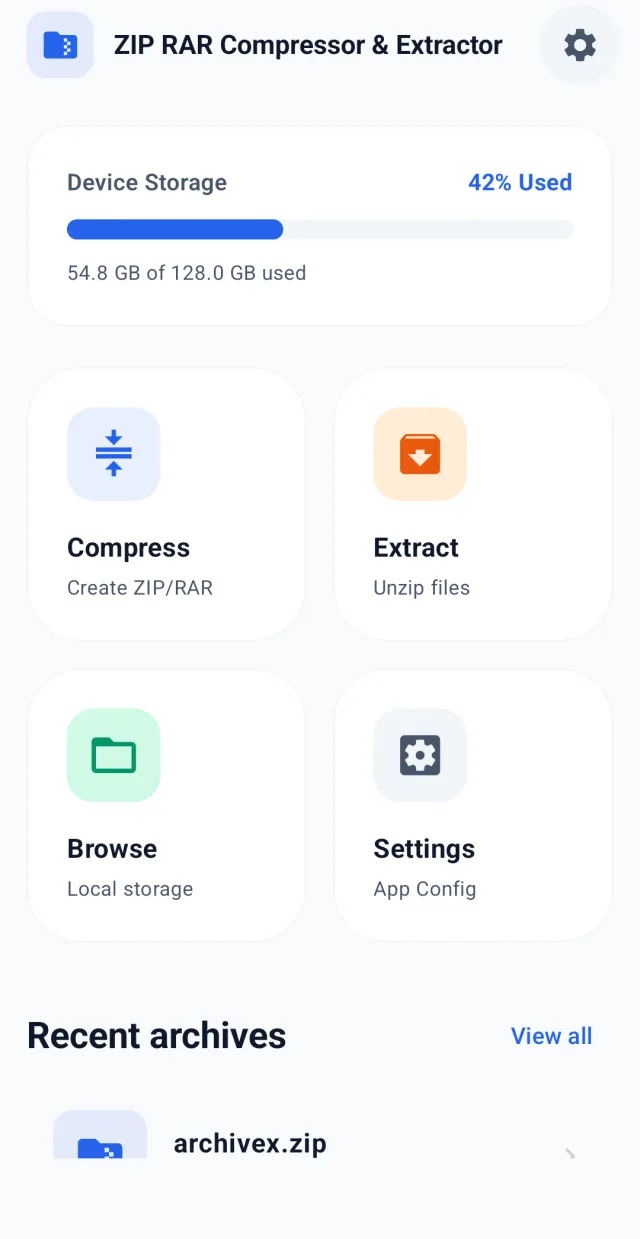
Inside the app.
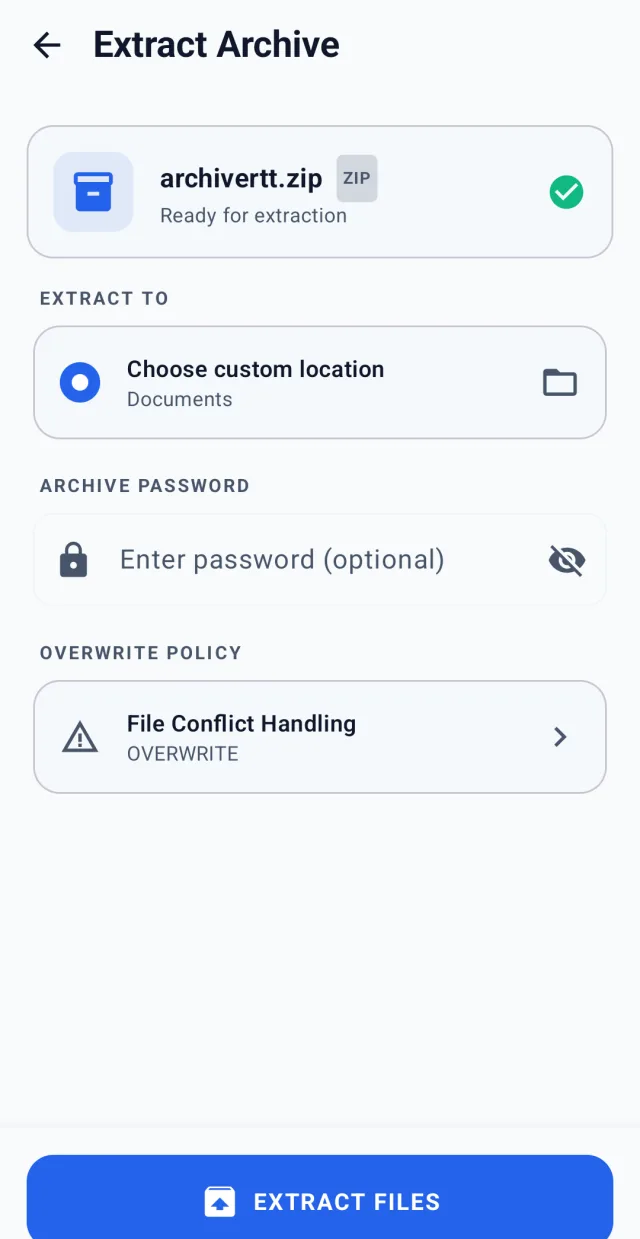
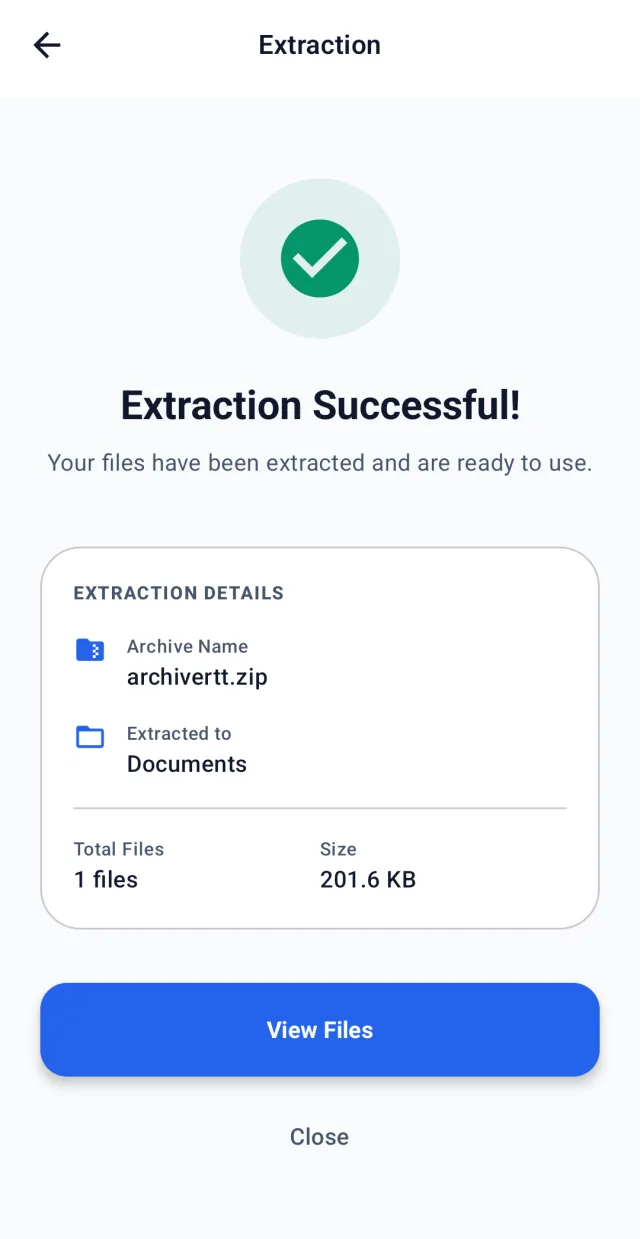
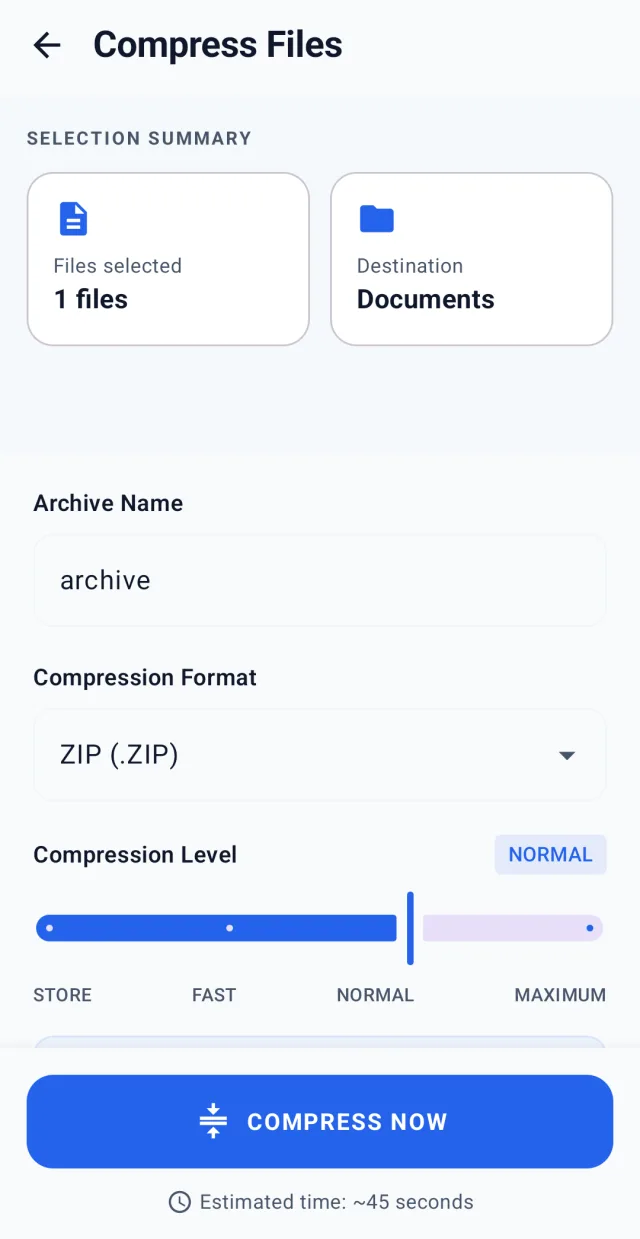
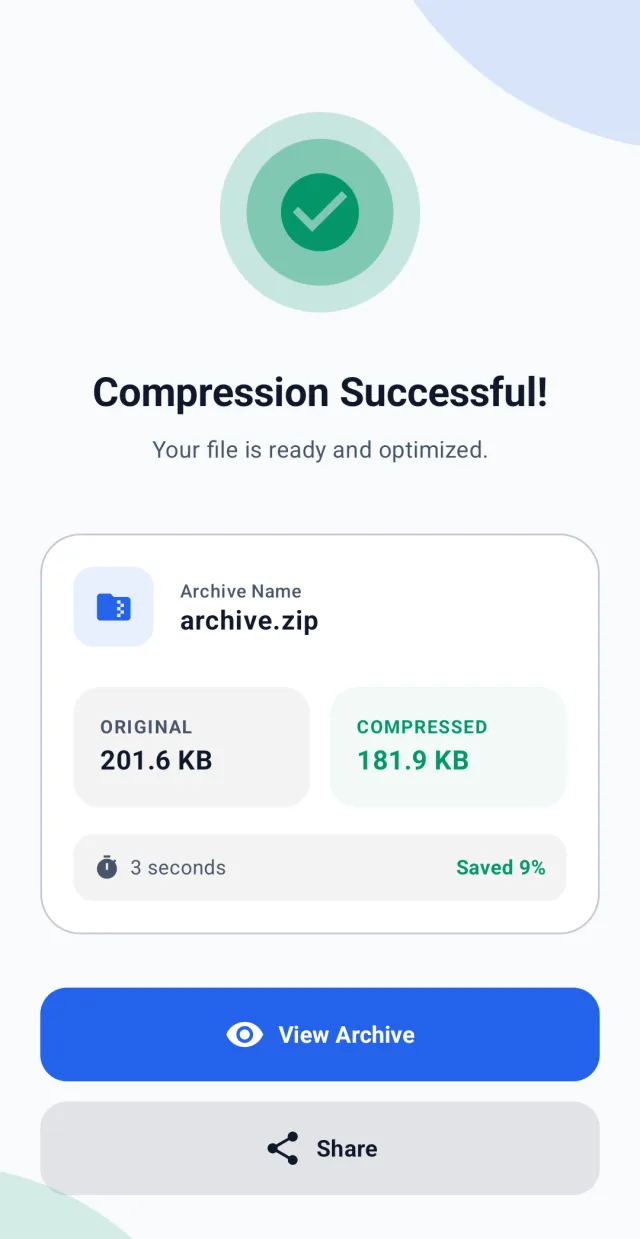
Open what iOS can't, on the iPhone
iOS doesn't natively open RAR or 7z, nor password-protected ZIP. Getting one of these files meant reaching for a computer or web services that upload your files to someone else's server.
A native, private file manager
We built a native Swift and SwiftUI app that extracts RAR (including multi-volume), 7z, ZIP, TAR and TAR.GZ, opens password-encrypted archives and lets you create ZIP and 7z with compression levels and AES-256 encryption. With local engines (PLzmaSDK, ZipArchive), everything happens on-device with nothing uploaded, integrated with the Share sheet, Files and drag & drop on iPad.
Live on the App Store
Zip Extractor is live on the App Store. Freemium with RevenueCat: the free version extracts every format and creates ZIP; Premium adds 7z, encryption, splitting and removes ads. Available in 9 languages, for iPhone and iPad.
The file manager iOS is missing.
RAR, 7z, ZIP and more
Open the formats iOS can't: RAR (including multi-volume), 7z, ZIP, TAR and TAR.GZ. One tap to extract them.
Password & AES encryption
Open password-protected ZIP files and create AES-256 encrypted archives to share safely.
On-device and offline
All extraction and compression happens on your iPhone. Your files are never uploaded to any server and no account is required.
Create, compress and share
Make ZIP and 7z at Store, Fast, Normal or Maximum level. Extract or compress from Files, Mail or any app; drag & drop on iPad.
Swift, SwiftUI and local engines.
Built in Swift with SwiftUI, with local compression engines (PLzmaSDK for 7z and ZipArchive for ZIP), subscriptions via RevenueCat and StoreKit 2. Integrated with the Share sheet and App Intents. All processing runs on-device: it works offline.
Got an app idea like this one?
We turn ideas into published apps: from concept to Google Play, with a working MVP in weeks.
Other projects